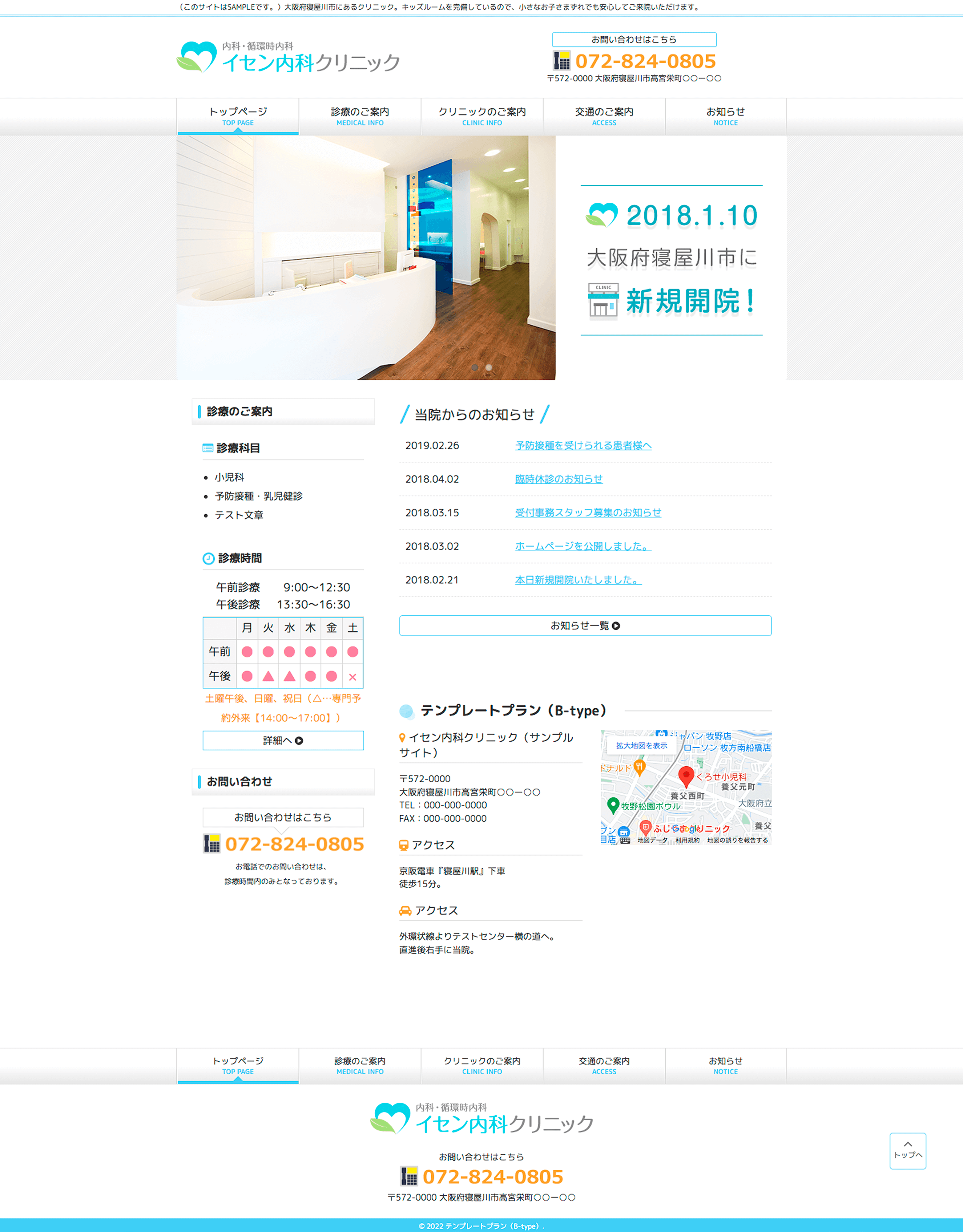
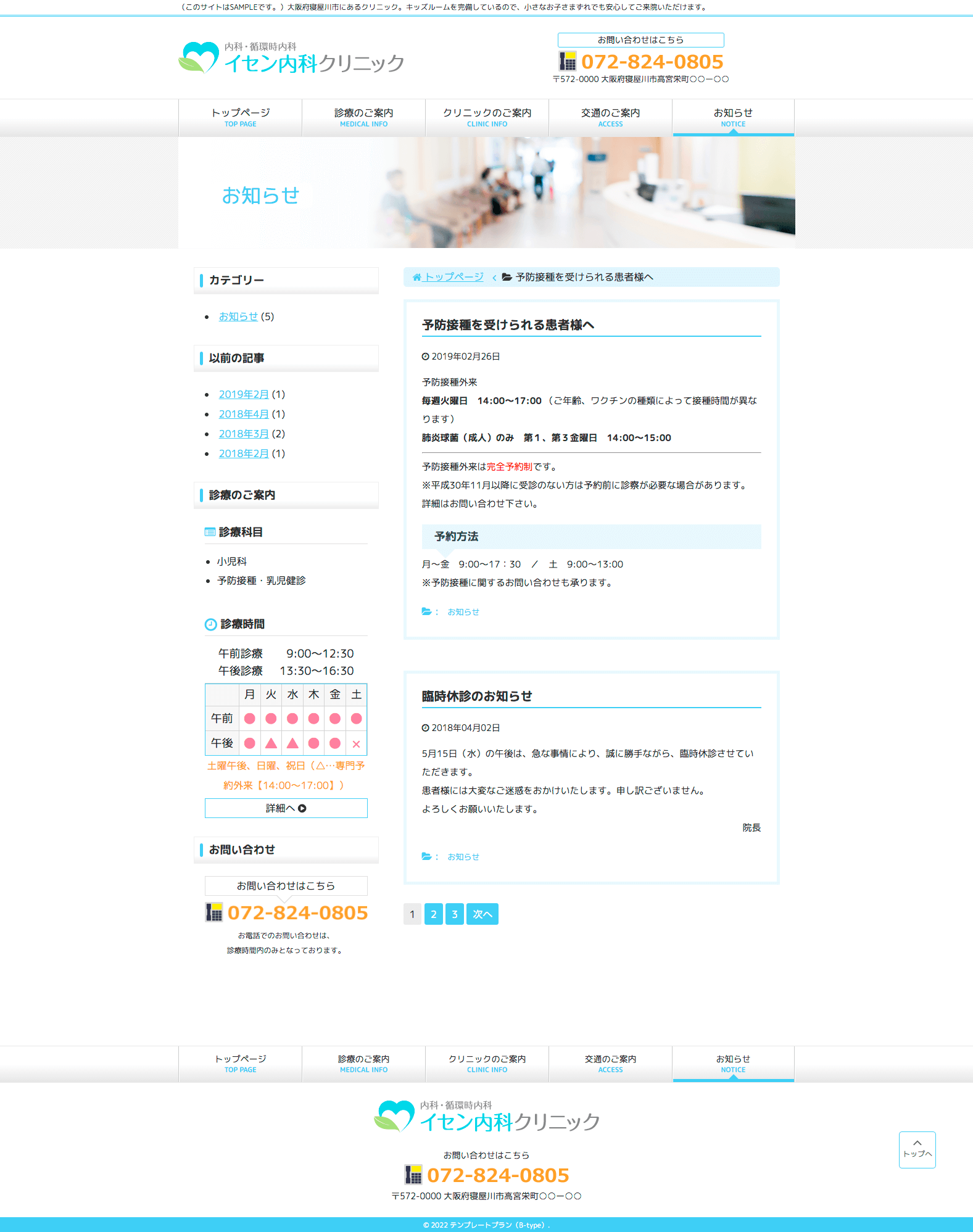
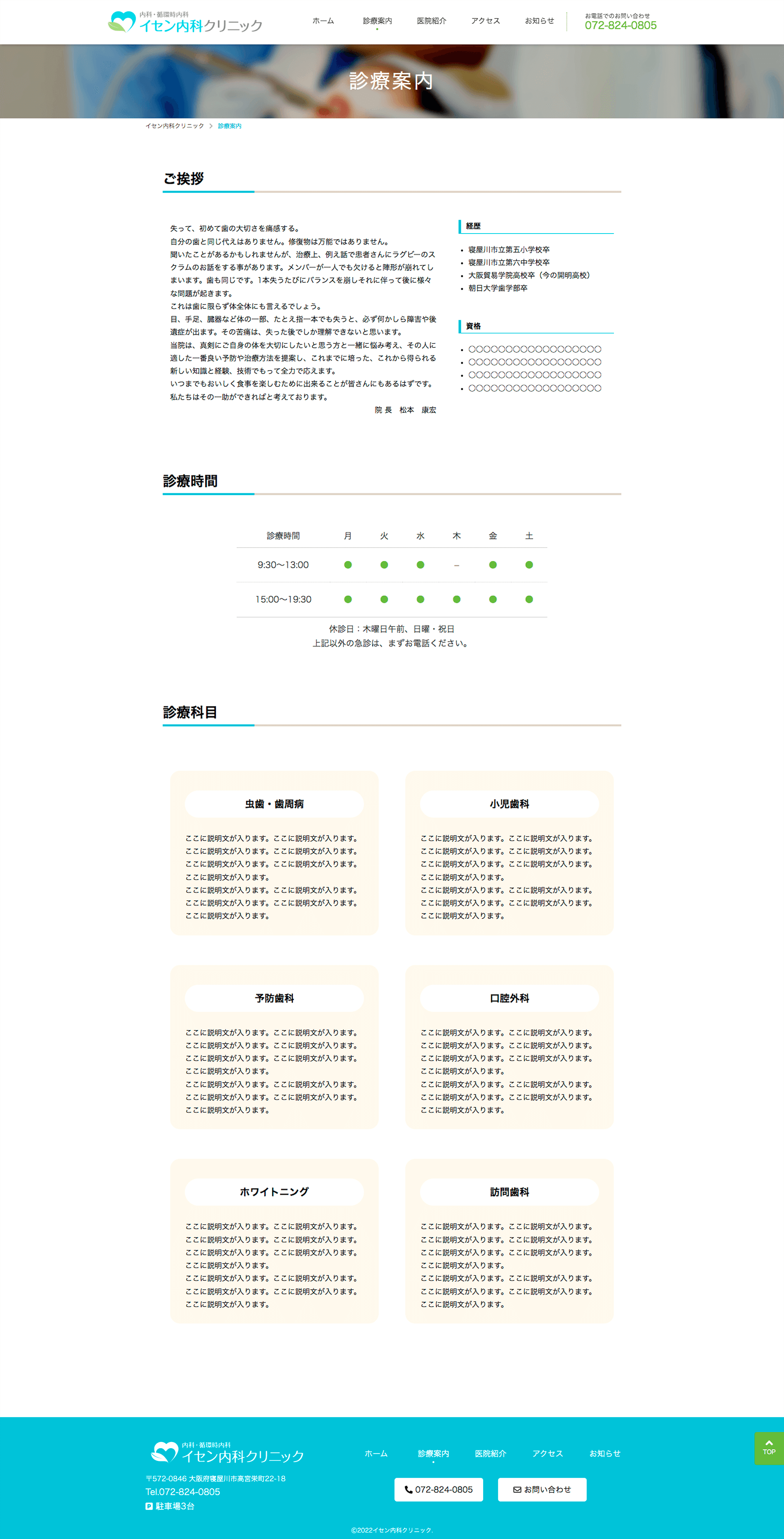
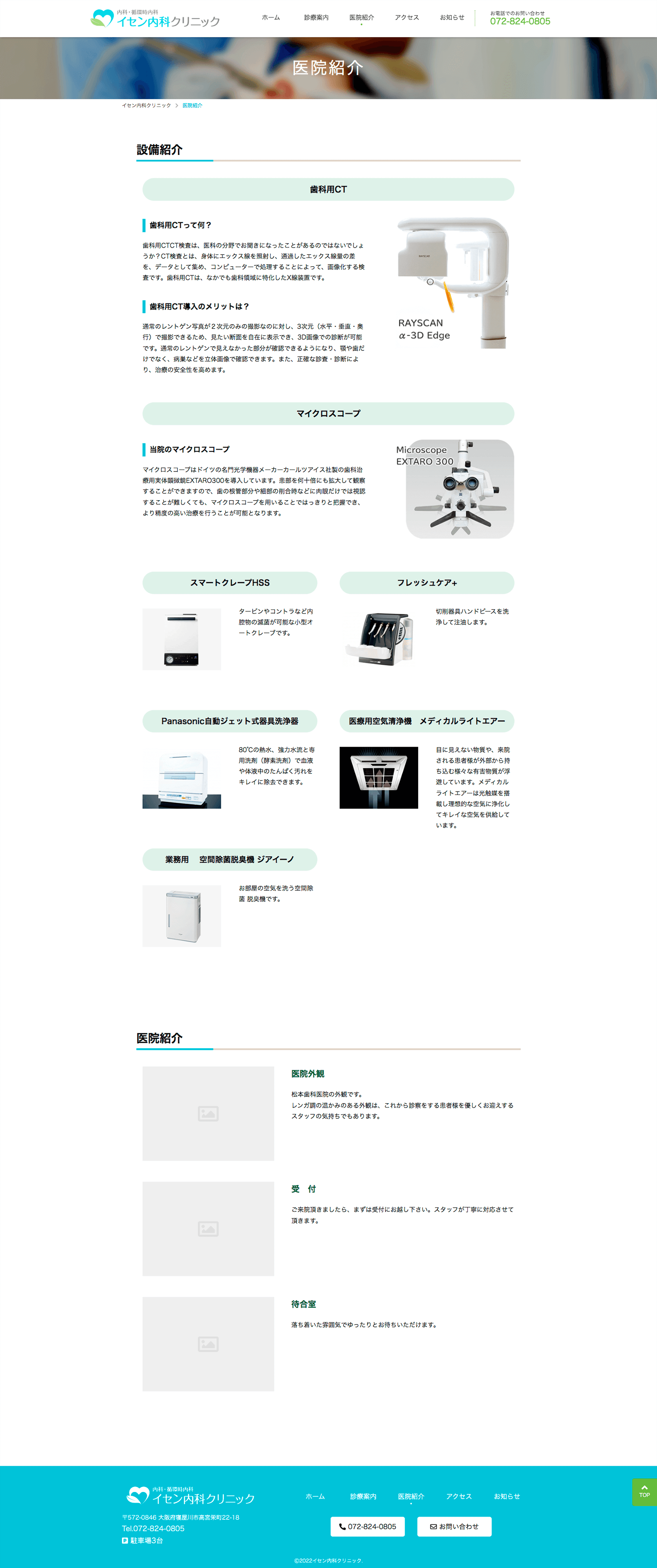
| テンプレートプラン クリックして詳細へ |
スタンダードプラン クリックして詳細へ |
デラックスプラン クリックして詳細へ |
|
| 見本 | ご相談 | ||
| 制作費用 | ¥80,000(税別) | ¥150,000(税別) | お見積もり |
| 月額管理費 | ¥3,000 | ¥3,000 | お見積もり |
| 特長 | 弊社オリジナルのテンプレートを使用 最短3営業日で納品(公開)が可能 |
標準的なページ数 お問い合わせページあり |
フルカスタマイズ |
| カスタマイズ度 | ★☆☆☆☆ | ★★★☆☆ | ★★★★★ |
| デザイン変更 | × | ○ | ○ |
| ページ数 | 5ページ 4P+お知らせ |
6ページ 4P+お知らせ お問い合わせ |
ご相談 |
| 更新システム | ○ | ○ | ○ |
| スマホ・iPad | ○ | ○ | ○ |
By default, delighters.js intializes automatically when the DOM is ready, and with the following configuration:
options = {
	attribute:  'data-delighter',
	classNames: ['delighter', 'started', 'ended'],
	start:      0.75, // default start threshold
	end:        0.75, // default end threshold
	autoInit:   true  // initialize when DOMContentLoaded
}
You can customize any or all of the above properties using:
Delighters.config({
	// set the default start threshold at the bottom
	start: 1,
	// let's call Delighters.init() manually later
	autoInit: false
	// ... etc ...
})data-delighter="debug" flag to enable debugging for that delighter0.750.75.started class when its top raises above 75% of the browser’s viewport height.ended is addeddata-delighter="start:0.5;end:0.95;start:1.2;end:-0.31. Include the script
<script type="text/javascript" src="delighters.js">2. Add delighter attributes
<div class="foo" data-delighter>3. Style the delighter (or its children) using built-in classes.started and .ended
/* when the library loads, each [data-delighter]
		gets the .delighter class */

		.foo.delighter {
			transition: all .3s ease-out;
			transform: translateX(-100%);
			opacity: 0;
		}

		/* the .started class is set when the top
		of [data-delighter] is at 0.75 of the viewport
		(where 0 is top and 1 is bottom) */

		.foo.delighter.started {
			transform: none;
			opacity: 1;
		}

		/* an extra .ended state is set when the bottom
		of [data-delighter] is at 0.75 of the viewport
		(where 0 is top and 1 is bottom) */

		.foo.delighter.started.ended {
			border: solid red 10px;
		}